Turn yourkeyboard off

A free Mac app that switches every key off while you clean the keyboard.

Keypause - Turn off your Mac's keyboard while you clean it | Product Hunt
Shh, your keys are napping0:12
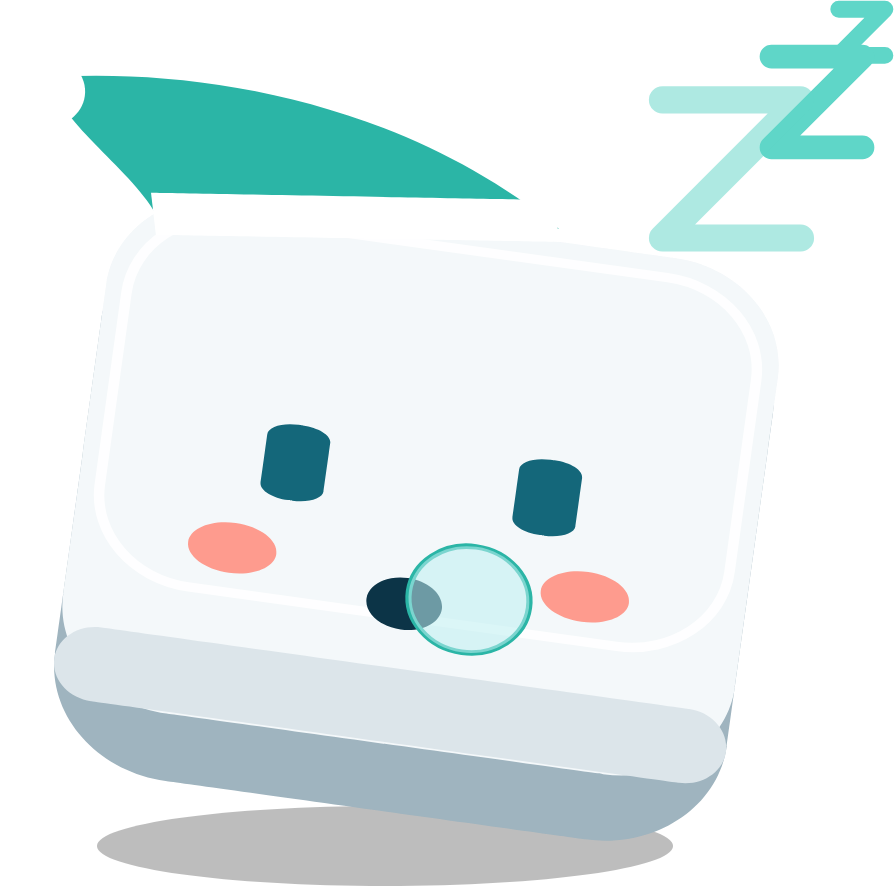
Kip, the Keypause mascot, asleep
or press ⌃⌥⌘K, then type in the note

How it works

Press a shortcut

⌃⌥⌘K from anywhere. Or use the menu bar icon, or type keypause in Terminal.

Clean the keyboard

Every key is off for 30 seconds up to 10 minutes. Mouse and trackpad keep working.

Keys come back

When the timer ends they switch on by themselves. Nothing to remember.

Small on purpose

Never in the wayThe panel doesn't take focus, so a video keeps playing and the screen stays awake.
Never trappedThe mouse still works, so Unlock is one click away.
ScriptableA keypause command, plus links for Raycast and Shortcuts.
Keeps to itselfIt never reads what you type, and the update check is optional.

Free and open source

$brew install --cask destucr/tap/keypause

Apple silicon, macOS 14 or later. First time: right click the app, then Open.